🔒 Images stay on your device and are not uploaded.
Comic panel maker | Arrange images and speech bubbles
Try the example, then arrange your own images and edit speech bubbles.
Comic preview
Drop an image onto a panel; drag the image or bubble to reposition it.
Leave the text empty to hide the bubble.
Arrange your own images. This tool does not generate stories or characters.
How to use
- Choose the panel count and add an image to each panel.
- Enter and position each speech bubble.
- Save the PNG. Selection borders are not exported.
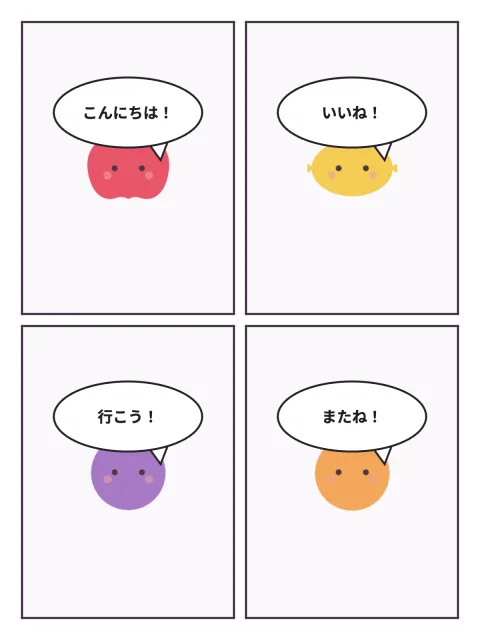
Example comic
An example with four illustrations and speech bubbles.
Frequently asked questions
Are images sent to a server?
Images stay on your device and are not uploaded. We use analytics.
Can I use my own photos?
Yes. Add PNG, JPEG or WebP images to each panel.
Does it generate a story or characters?
No. You arrange your images and enter the speech bubbles yourself.